
Roomtone
Original instrumentals for hotels, cafés and shops
Set it once, let the room carry on
Pick the mood, set the hours, and the music keeps going without anyone touching it.
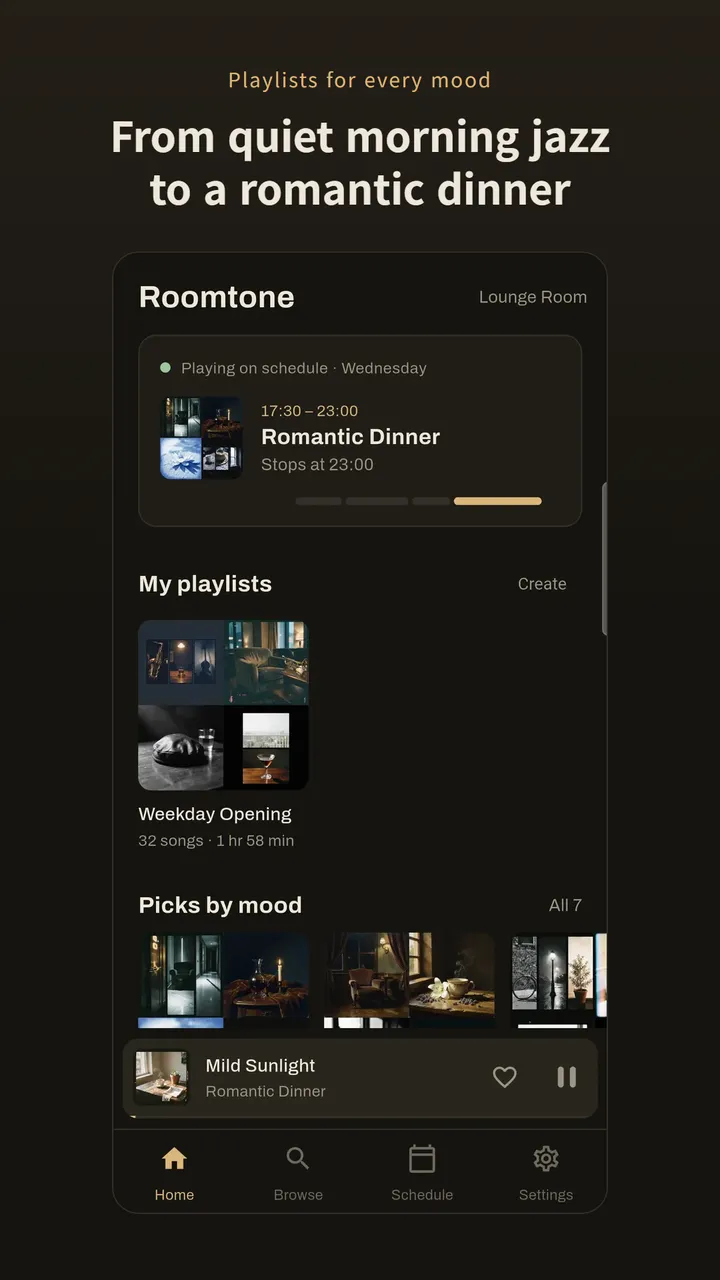
Playlists by mood
Calm jazz, lively afternoon jazz, elegant lounge, cozy morning, bright city pop, dreamy evening, romantic dinner — playlists for the space and the hour.
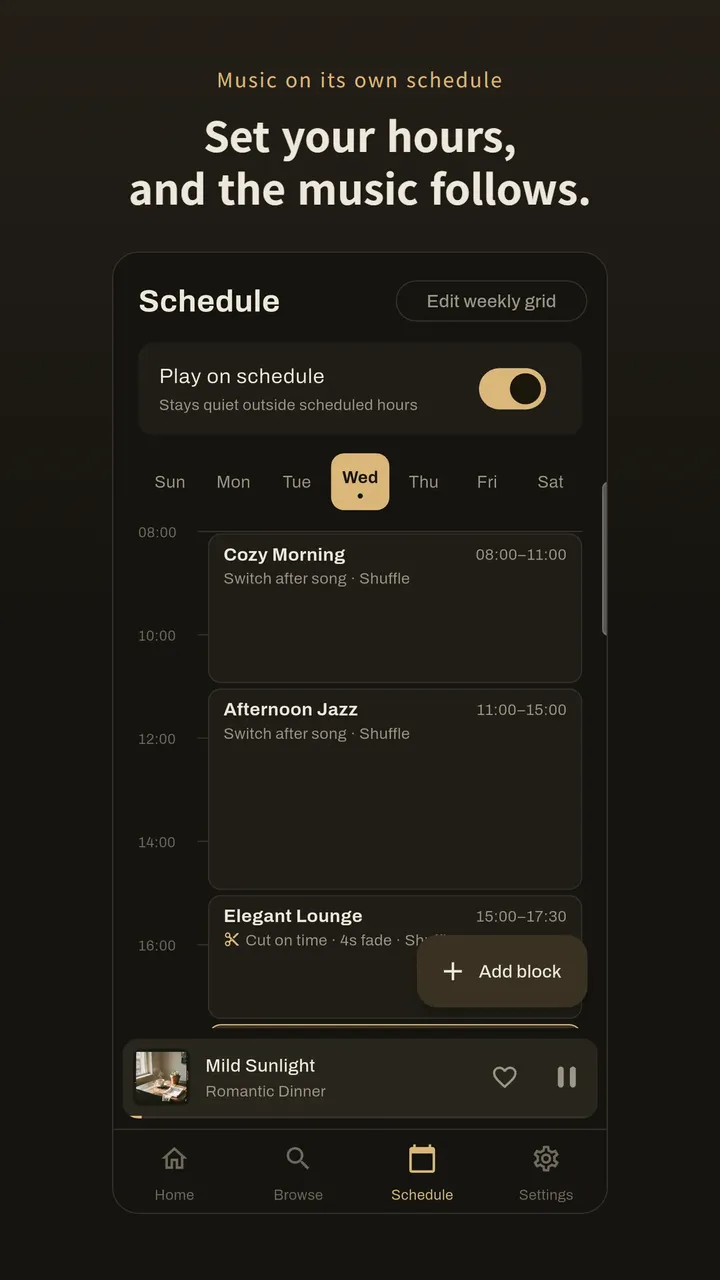
On a schedule
Set a playlist for each day and time and it switches by itself — easing over when a track ends, or changing right on the hour. Outside the schedule, it stays quiet.
Not entrusted to a rights society
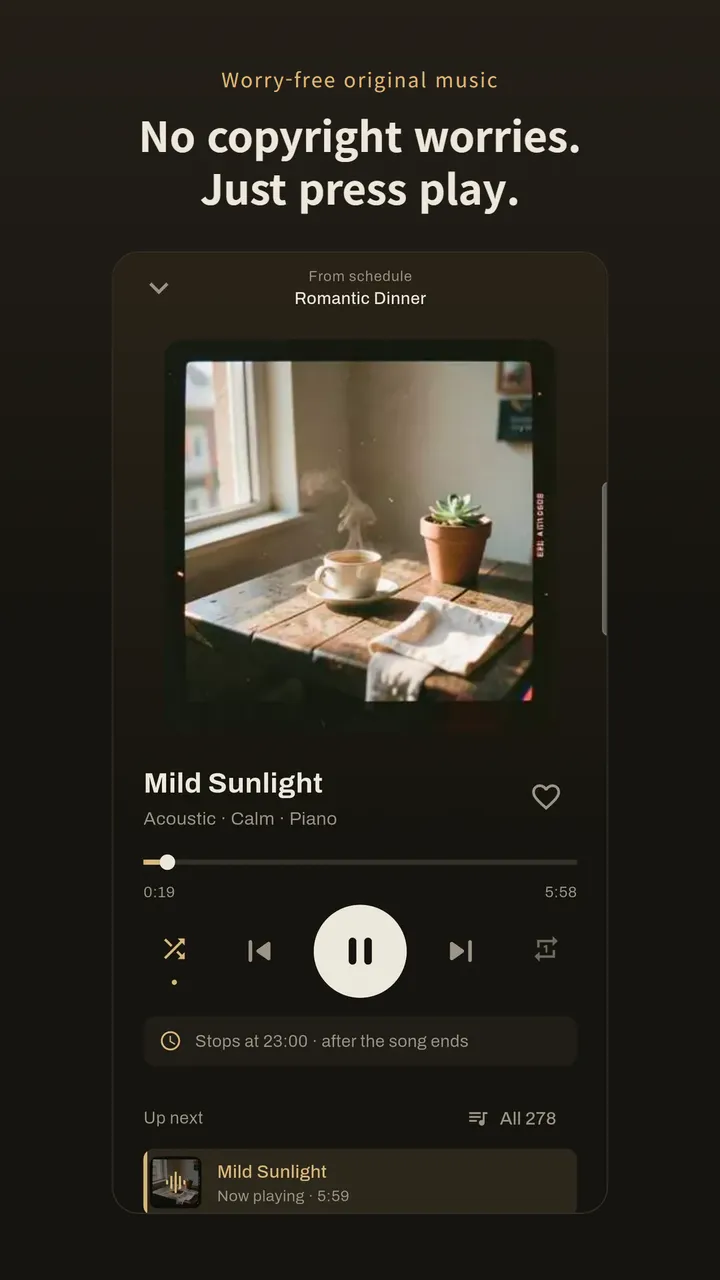
Every track is an original instrumental we have not entrusted to a performance rights society such as KOMCA, and we charge no public performance fee for playing it.
Made for playing all day
Keeps playing with the screen off. Build your own playlists and add the tracks you like.
Listen first
No sign-up needed to try — every track has a 30-second preview.
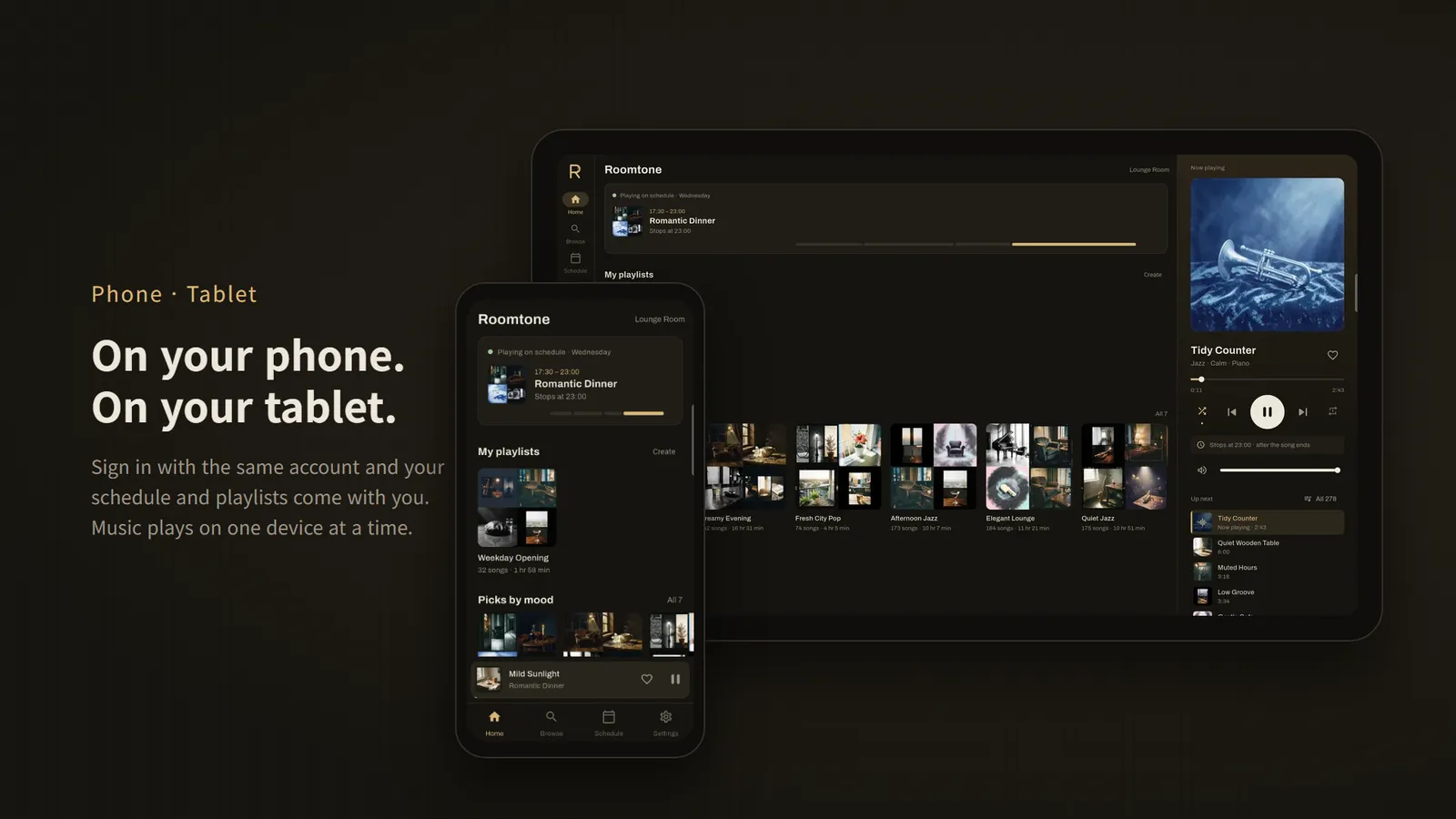
Phone or tablet
Sign in with the same account and your schedules and playlists are all there. Each Room plays on one device at a time.
Inside the app
Store graphics made from the real screens.
Start Roomtone
Subscribe on the web or in the app. $8 a month, renewing automatically — tax is added at checkout based on your country.
Roomtone runs on Android phones and tablets, and on Windows 10 or later PCs. The PC version does not open on older Windows such as Windows 7 — on those computers, use the Android app on a phone or tablet connected to your speakers instead. Your subscription belongs to your account, so it covers every device. On the PC version you subscribe on the web.
Subscriptions bought in the app are priced as shown on Google Play. One device plays at a time on an account. Web subscriptions are not refunded once paid; subscriptions bought through Google Play follow Google Play’s refund policy.Terms of Service
Receipts come from Google Play or Creem, which process the payment.
Changelog
- 1.0.7
You can now choose where to get your password reset code.
- Pick your sign-in email or your backup email. Addresses are shown partly hidden
- If there's only one address, the code is sent right away
- 1.0.6
The room picker is now a grid of tiles.
- On wide screens, you see several rooms per row
- You can add a backup email when you sign up (optional)
- Bug fixes
- 1.0.5
Using several rooms? Pick and manage them right in the app.
- After you sign in, choose which room to play in. Each room shows whether it's playing or idle, and what's on
- Tap your store name at the top right of Home to open the same screen
- Tap an empty slot to add a room, and rename or delete rooms there
- You can also reset your password with your backup email
- Bug fixes
- 1.0.4
New songs on Home as cards, and update right from Settings.
- "New" on Home is now a row of cards you swipe, like playlists
- Settings › Version shows an "Update" button when a new version is out
- Bug fixes
- 1.0.3
Different music for each space, and songs similar to the one you like.
- Rooms — one account plays separate spaces (lobby, café…). Pick a room per device; each room has its own schedule
- On the web, see what each room is playing and switch its playlist. The device follows from the next song
- The radio button on Now Playing plays songs similar to the current one
- Coupon time shows as "Coupon period" on the subscription screen
- 1.0.2
Play announcements right away, and one account no longer plays on two devices at once.
- "Play now" for announcements. The music resumes after
- "Playing on another device" now shows when the same account is playing elsewhere
- Turning on the schedule during an announcement waits until it ends
- 1.0.1
In-store announcements, and Roomtone on a Windows PC.
- Announcements — set a sound and a time in Schedule. The music pauses, then resumes. Repeat by day or every few minutes
- Windows PC version — one setup file, keeps playing in the tray
- New versions install right away. On PC it updates itself
- "New songs" on Home, up to 30 under More
- Likes are saved to your account
- Tracks start faster, with less silence in between
- Reset a forgotten password with an email code
- 1.0.0
Background music for hotels, cafés, restaurants and shops. Every track is an original instrumental, free of collecting-society licensing.
- Playlists by mood — mellow jazz, elegant lounge, warm morning and more
- Switches on your schedule — set it by day and hour, and it changes on its own
- Keeps playing with the screen off
- 30-second previews when you sign up, full tracks with a subscription
- New tracks are added every month